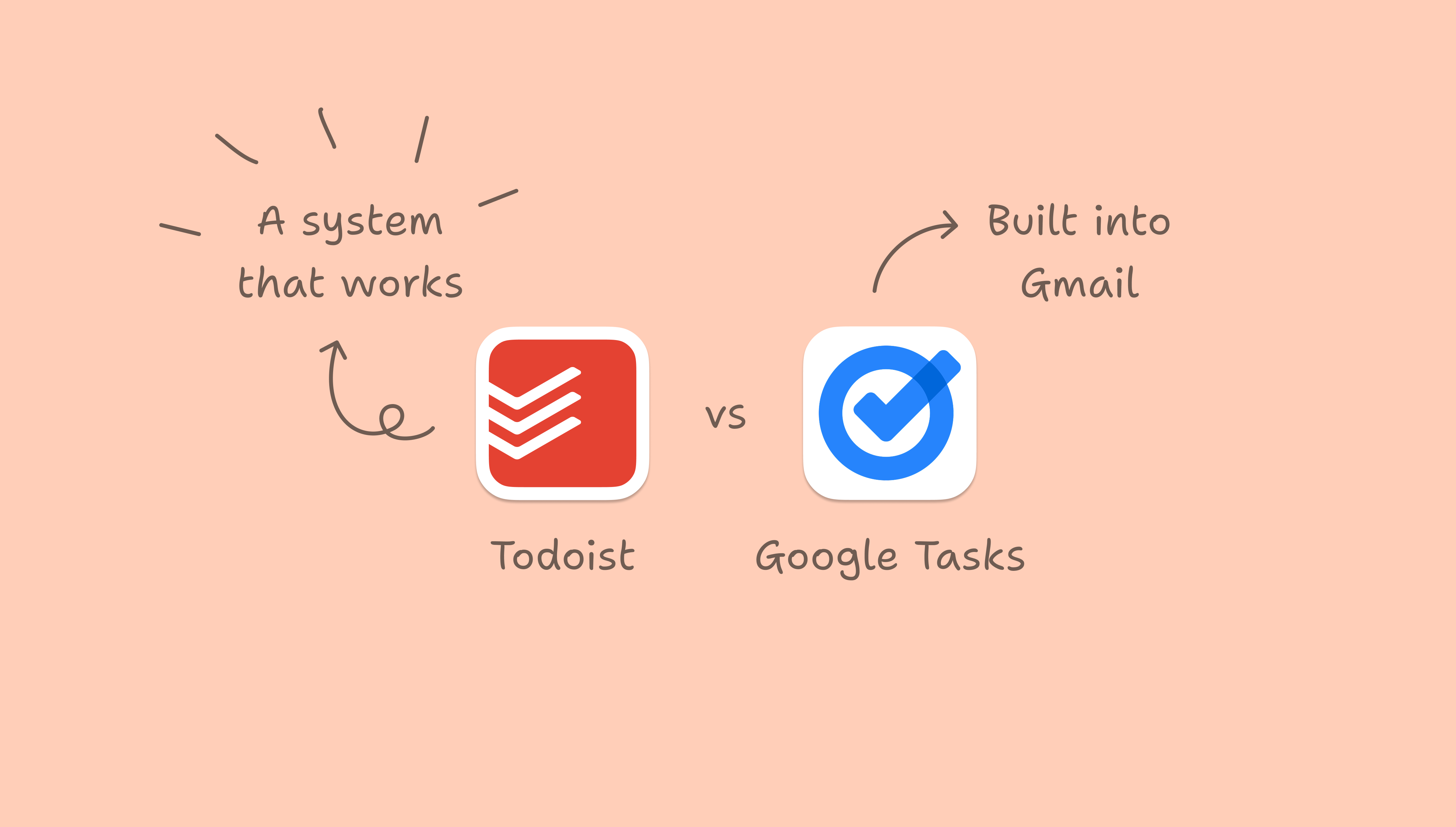
Google Tasks provides a lightweight task list within Gmail and Google Calendar. You can create lists, set due dates, add sub-tasks, and display tasks on your calendar. For personal reminders, that may be all you need.
Its limits become more apparent when you manage projects, clients, deadlines, or a team. Todoist treats tasks as the foundation of work management rather than an addition to email, with tools for organizing responsibilities across devices.
Comparing Todoist and Google Tasks
Category | Todoist | Google Tasks |
|---|---|---|
Core purpose | Full task and project management system | Lightweight task list inside Google |
Platforms | iOS, Android, Windows, macOS, web, browser extensions, wearables | Web, Android, iOS. Best inside Gmail and Calendar |
Organization | Projects, sections, sub-tasks, labels, filters, priority levels | Lists and sub-tasks |
Planning | Today view, Upcoming view, calendar layout on Pro | Tasks appear on Google Calendar when dated |
Collaboration | Share projects, assign tasks, comment | Limited sharing via Google Chat spaces and Docs |
Price | Free Beginner plan. Paid Pro and Business plans | Free with a Google account |
The boundaries of Google Tasks
Basic prioritization
Google Tasks lets you star tasks and rearrange them manually, but it has no structured priority levels to distinguish urgency from importance. That approach can serve a short list; it becomes harder to manage with 50 items.
Limited organization
Lists and sub-tasks provide some structure, but there are no projects, labels for grouping related work across lists, or filters for custom views. You cannot easily separate a growing workload by context or focus area.
Restricted teamwork
Shared tasks are available in Google Chat spaces and some Google Docs contexts. However, limitations around recurrence and sub-tasks make them unsuitable for managing structured team processes or recurring workflows.
A Google-centered workflow
Google Tasks fits Gmail and Calendar well, but is less accommodating outside that environment. Workflows involving different platforms, Windows machines, collaborators outside Google Workspace, or browser extensions for capturing tasks from anywhere push beyond its intended scope.
How Todoist handles broader workloads
Optional layers of structure
Todoist can remain as simple as one project with a few tasks. As responsibilities expand, it also provides:
- Projects for separate areas of responsibility
- Sections for stages of work
- Sub-tasks for finer detail
- Labels that group work across projects
- Priority levels from p1 to p4
- Filters for custom views, such as high-priority work for the week
These options let you add structure when needed without using every feature from the start.
Visibility beyond today
While Google Tasks can display tasks on a calendar, Todoist's Upcoming view shows workloads across the coming days and weeks. Calendar layout options on the Pro plan help visualize how tasks accumulate over time, making pressure easier to spot before it builds.
Shared project management
Todoist supports shared projects, task assignments, comments within tasks, and recurring due dates for repeatable workflows. Those capabilities accommodate client work, small-business operations, and team coordination beyond what Google Tasks was designed to handle.
Access across platforms
Todoist runs on iOS, Android, Windows, macOS, web, and browser extensions. Tasks can be captured from email, websites, phones, and desktops, rather than depending on a Google-centered setup.
Who should choose Google Tasks?
Google Tasks is a reasonable option when:
- You work almost entirely in Gmail and Google Calendar.
- Your list is short and largely personal.
- You do not need advanced organization or structured collaboration.
- You want a free, very lightweight tool.
Its simplicity is useful for reminders and small workloads.
Who should choose Todoist?
Todoist is better suited to situations where:
- Tasks are central to managing your work.
- Lists and stars no longer provide enough structure.
- You coordinate ongoing projects or recurring tasks with others.
- You use multiple devices and platforms.
- You want work and personal responsibilities in one system.
The choice comes down to scope: Google Tasks offers basic reminders within Google's ecosystem, while Todoist provides a system that can accommodate growing responsibilities across projects and platforms.