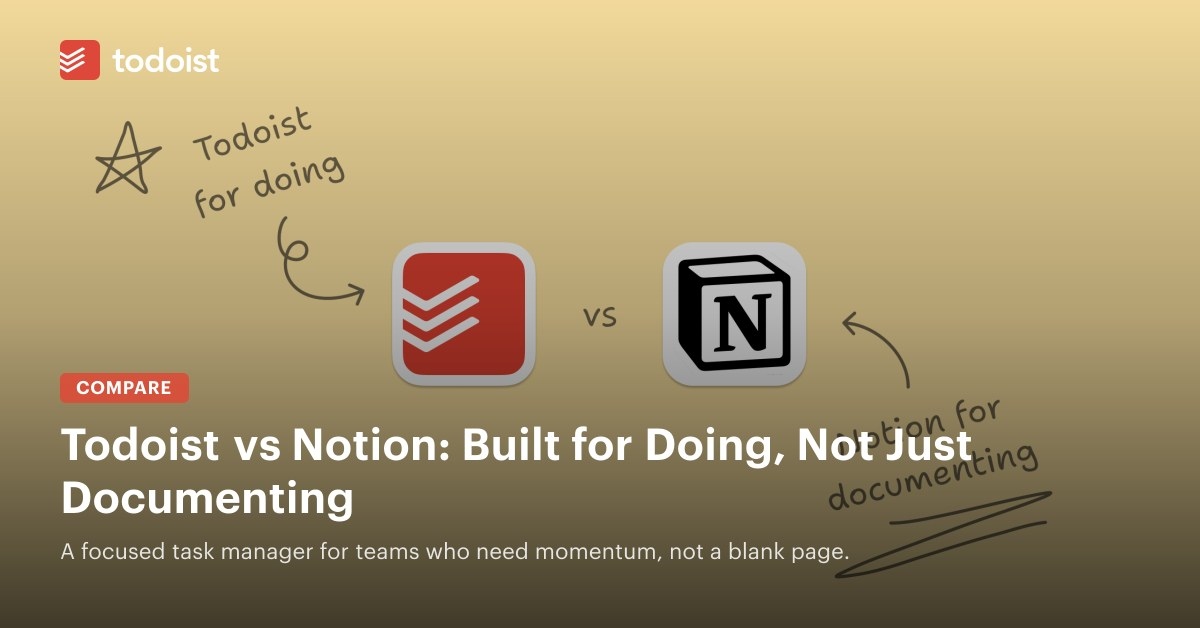
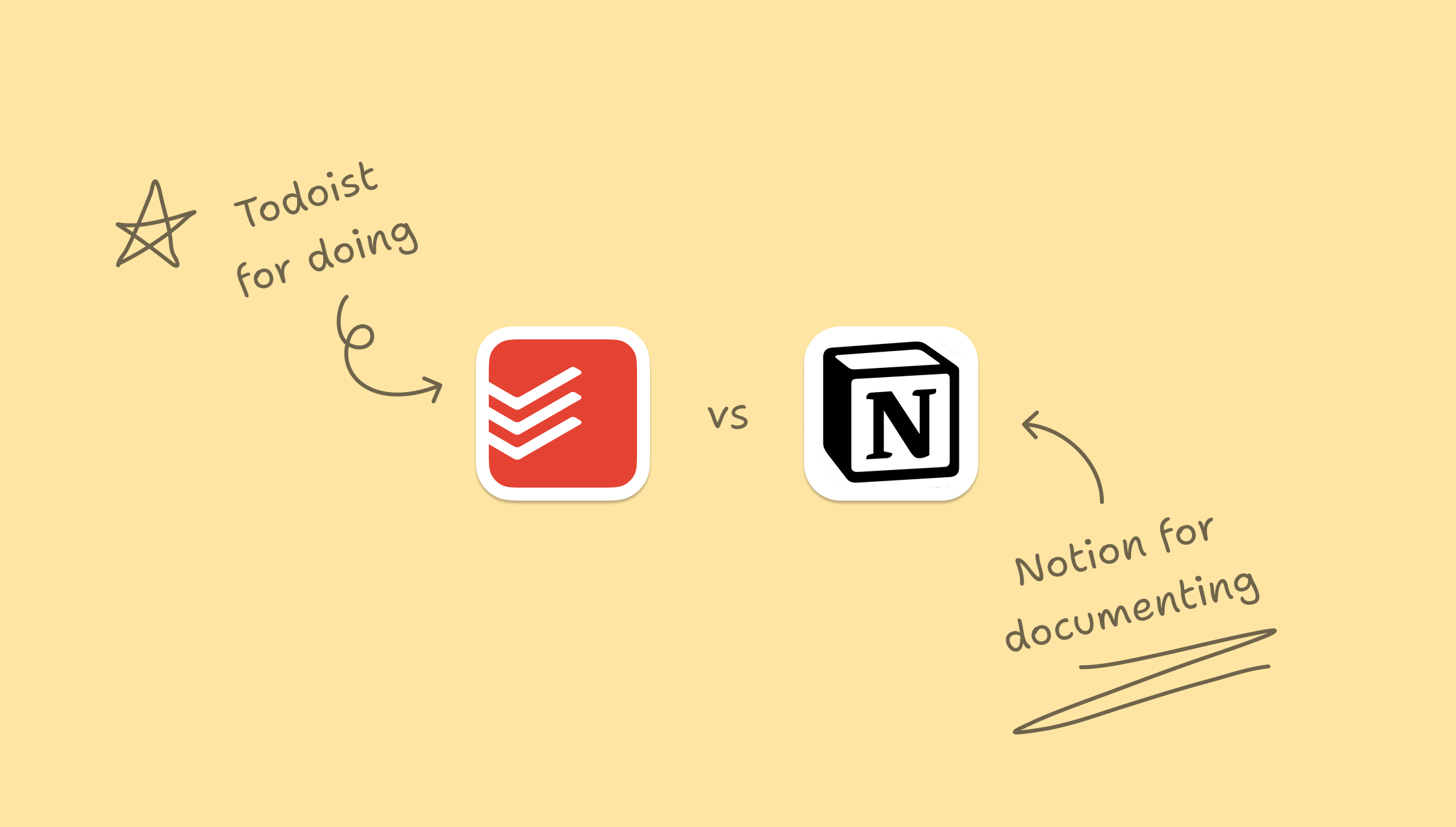
Notion lets teams connect dashboards, documents, and task databases in a highly flexible workspace. That freedom can also create uncertainty: someone must design the system before the team can use it effectively.
Todoist takes a more structured approach, helping teams begin assigning and completing work without first building a workspace.
| Category | Todoist | Notion |
|---|---|---|
Setup & Onboarding | Teams can start using it productively the same day | Requires upfront time to build structure from scratch |
UX & Navigation | Clear hierarchy, quick capture, distraction-free | Highly customizable but often disjointed and overwhelming for new users |
Collaboration | Comments, assignments, shared projects built-in | Collaboration possible, but workflows must be built and maintained |
Feature Philosophy | Opinionated simplicity that scales with your team | A blank canvas that can become anything – if someone has the time to build it |
Price & Value | Predictable pricing, no charge for viewer-only roles | Price increases rapidly with team growth, especially for advanced features and access roles |
AI & Automation | Light-touch smart parsing, recurring tasks, and quick input | Powerful but evolving – AI blocks require context and configuration |
Brand Experience | Calm, focused, and intentionally simple | Vibrant, ambitious, but can feel like a personal wiki stretched into a team tool |
Reasons teams move from Notion to Todoist
Less setup before work begins
Notion supports custom dashboards, knowledge bases, and workflows when a team has the expertise and time to maintain them. Todoist removes that system-building stage: teams can add tasks, assign responsibility, and begin work.
A more consistent team experience
A Notion workspace reflects the choices of its builder. Todoist's built-in structure gives teammates a more consistent experience, simplifying onboarding, coordination, and growth.
Helpful features without extensive configuration
Smart scheduling, natural language input, and unobtrusive nudges support task management in Todoist. Logging a task does not require configuring databases or AI blocks.
When Notion is the stronger option
Notion suits teams seeking documents, databases, wikis, and task management in a single workspace. Dedicated Notion builders—or a budget to hire one—can create workflows that connect these functions.
It is especially strong as a knowledge base. Teams whose work centers on documentation and process design can benefit from its extensive flexibility, provided they are willing to invest in setup.
The tools can also work together. Many teams keep documentation and company wikis in Notion while using Todoist for project execution and everyday tasks. This separates reference material from action without asking either tool to handle everything.
Concerns raised by Notion users
Reviews and community feedback highlight several recurring criticisms:
- Maintenance overhead: Systems require ongoing upkeep. One Reddit user described an attractive setup that teammates used only after repeated prompting.
- Performance: Large workspaces can slow down, particularly with databases, embeds, and complex pages.
- Learning demands: Even enthusiasts acknowledge that newcomers can struggle without a walkthrough.
- Too much freedom: An open canvas can produce inconsistent systems or setups that are later abandoned.
Supporters value Notion's appearance, versatility, and community templates, though making the most of those strengths often depends on a knowledgeable internal champion.
What Todoist offers growing teams
- Ready-made structure: Built-in practices provide a starting point rather than a blank workspace.
- Cross-platform responsiveness: Web, mobile, and desktop access works quickly with minimal lag.
- Fast coordination: Teams can add colleagues and assign tasks in seconds.
- Practical automation: No-code recurring tasks, reminders, and integrations support repeatable work.
Common questions
Can Todoist take over task and project management from Notion?
For many teams, it can. If Notion mainly holds to-dos and light plans, Todoist will likely require less effort to adopt and maintain.
Which capabilities distinguish Notion from Todoist?
Notion brings documents, databases, wikis, and project management together. Its broader range of content types is useful for internal wikis and documentation hubs.
How does Todoist compare with Notion for templates?
The supplied comparison does not establish Todoist's template capabilities; its answer instead reiterates Notion's broader support for documents, databases, wikis, and project management.
Is Todoist more accessible to non-technical teams?
In most cases, yes: its lower learning curve, quicker onboarding, and fewer distractions make it easier to begin using.
Can Todoist connect with other team tools?
Yes. Integrations include Slack, Google Calendar, Zapier, and dozens of other tools. Teams can also use its open API or connect through Make or IFTTT.